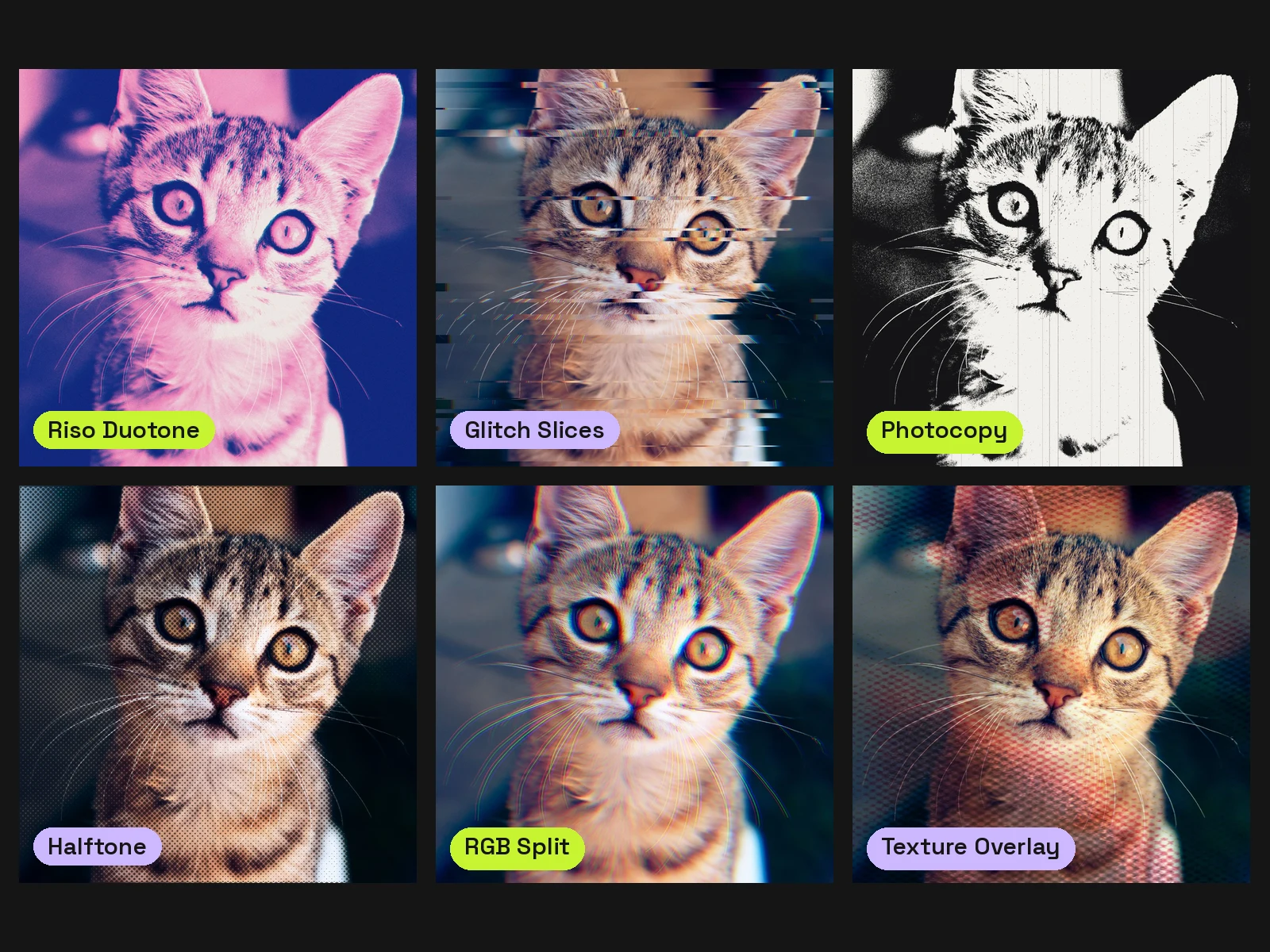
Offset FX gives you the Offset look without the manual work. Select a layer, run a script from the Scripts panel, adjust the sliders while the preview updates, and press OK.
The seven effects
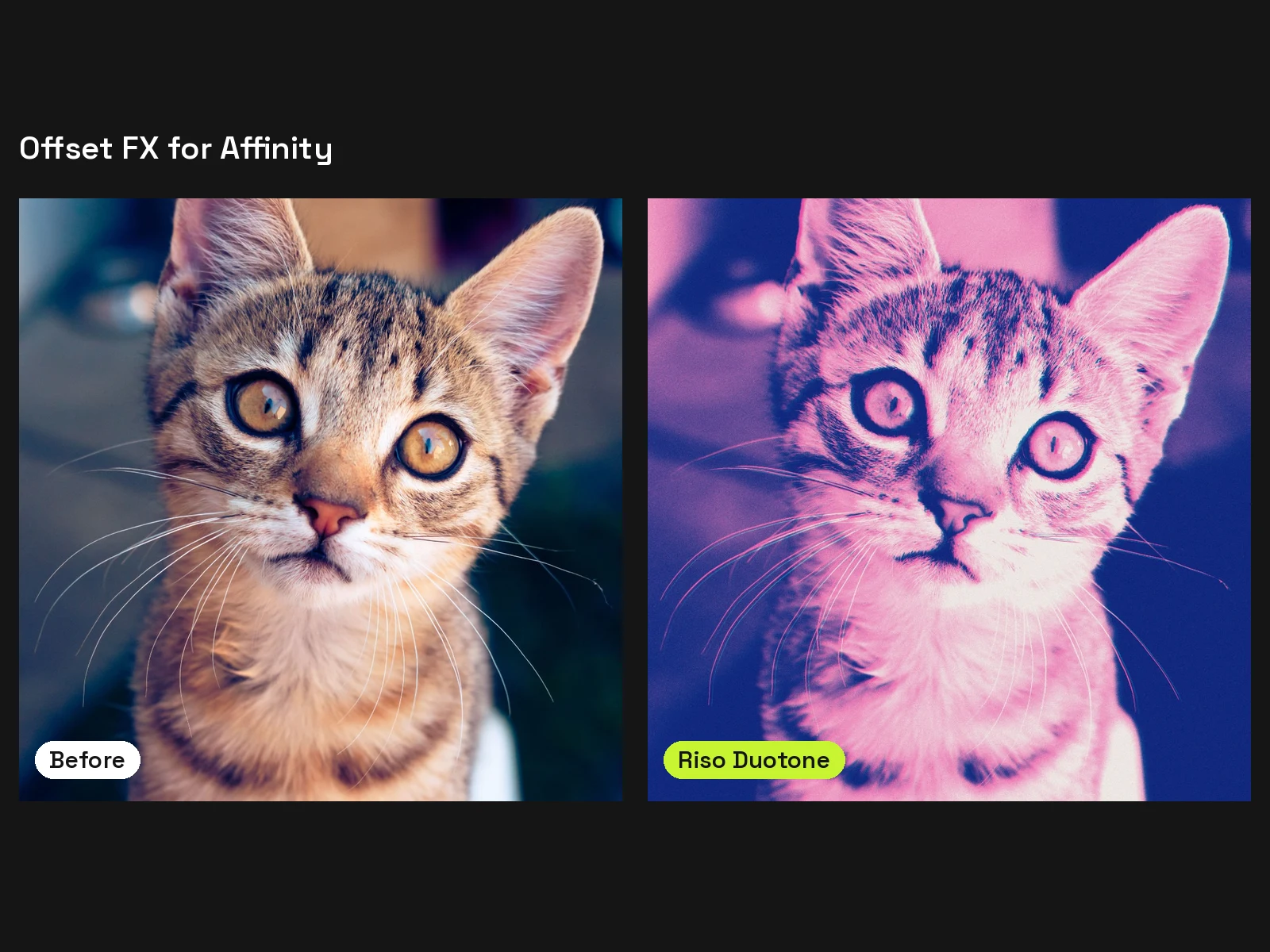
- Riso Duotone: two-ink risograph print with five ink presets, misregistration, ink grain and contrast. Pick your own inks with the colour pickers.
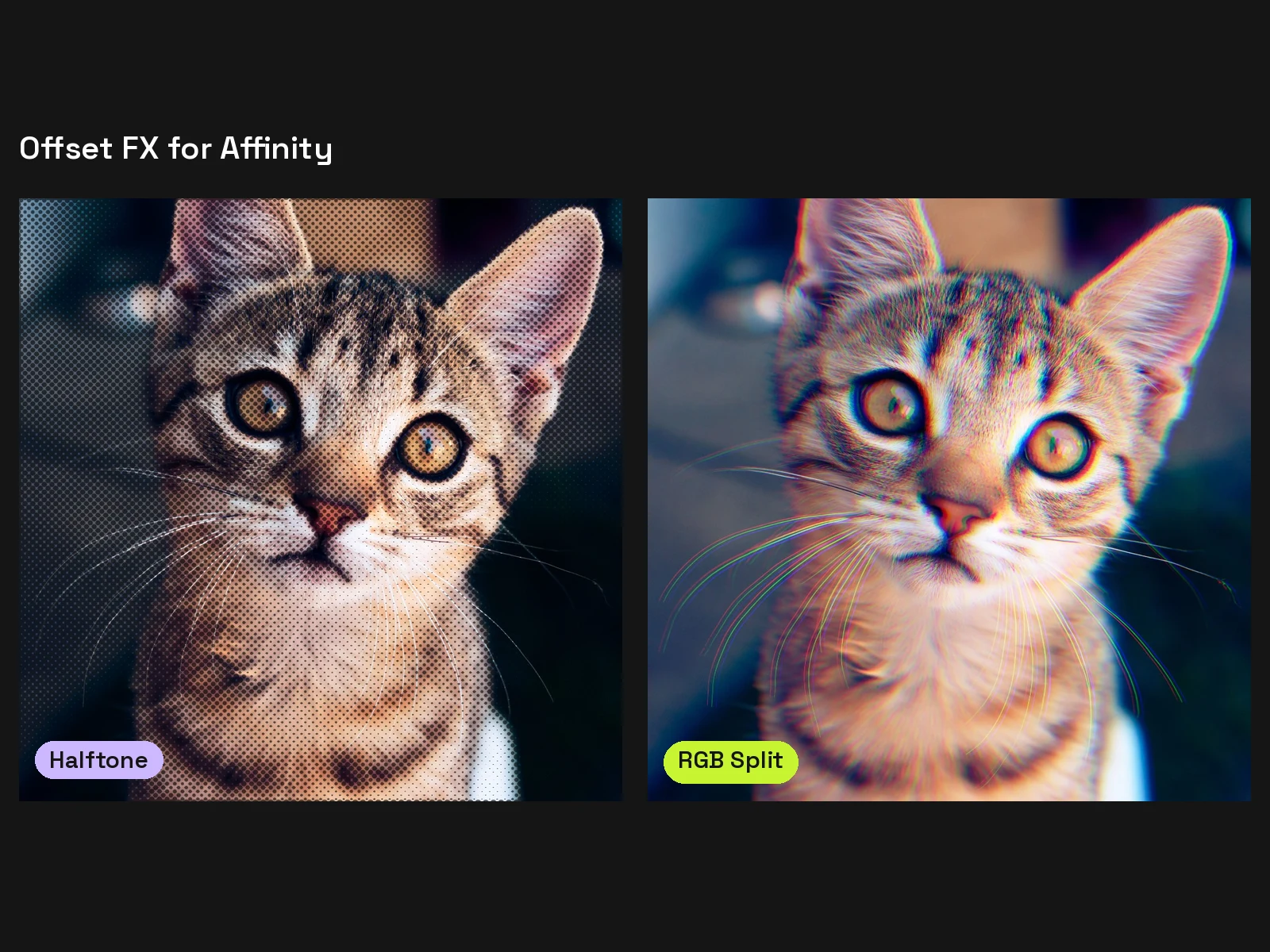
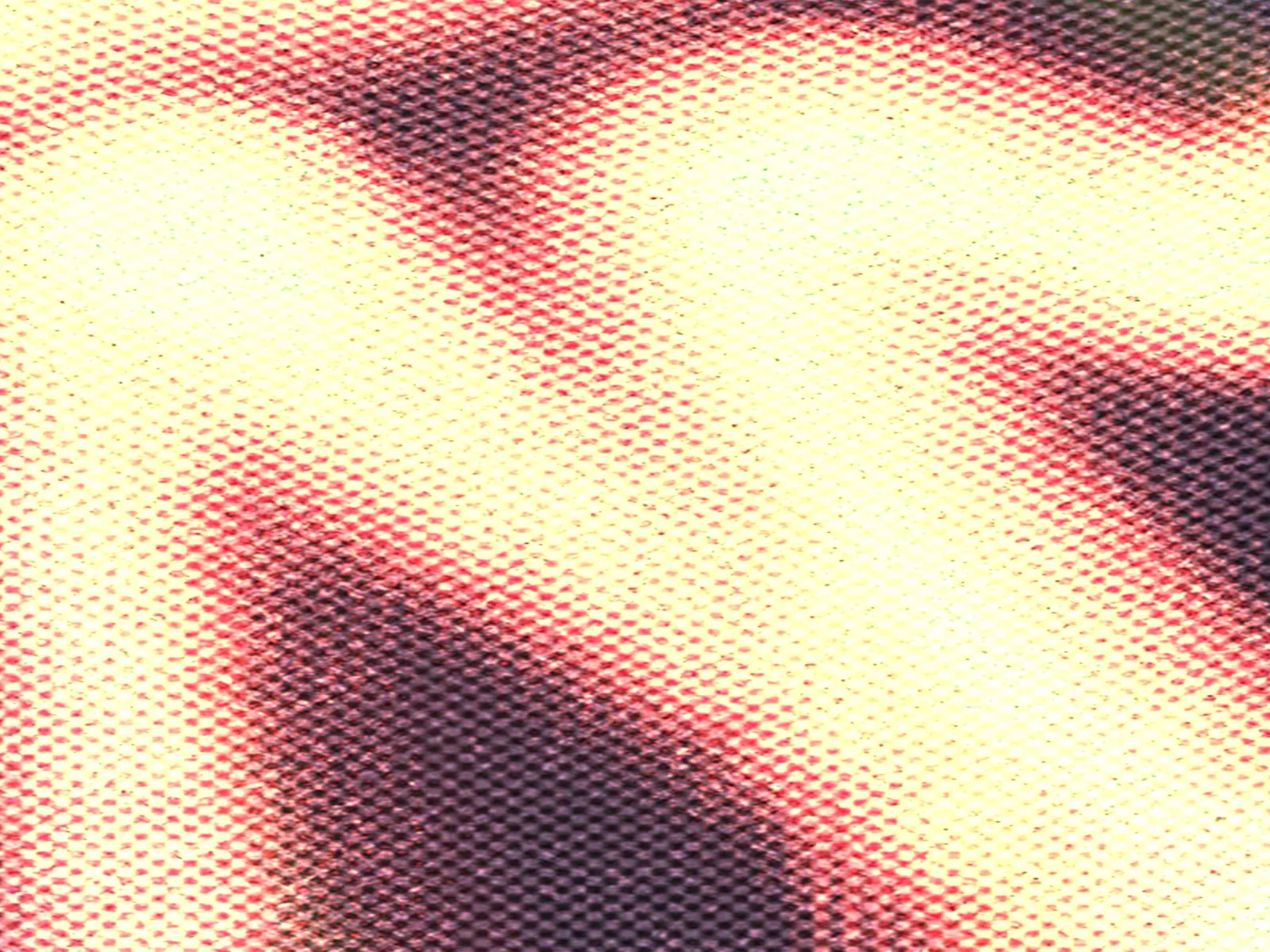
- Halftone: an editable live Halftone filter with a print-style blend. Ink dots, black & white, CMYK, newsprint lines or a circular screen.
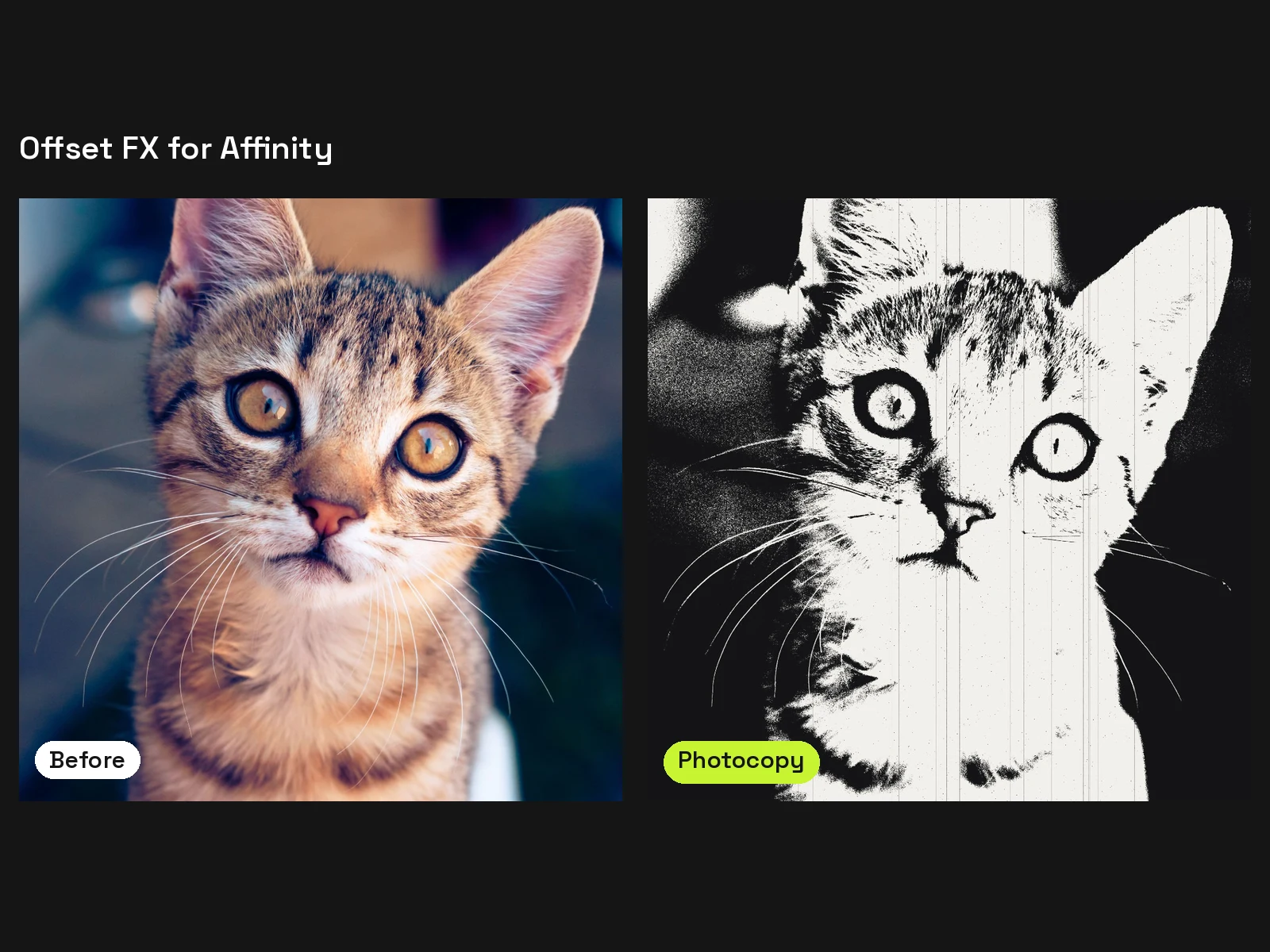
- Photocopy: a gritty zine copy with toner noise and copier streaks. It reads your photo first and sets a starting darkness for you.
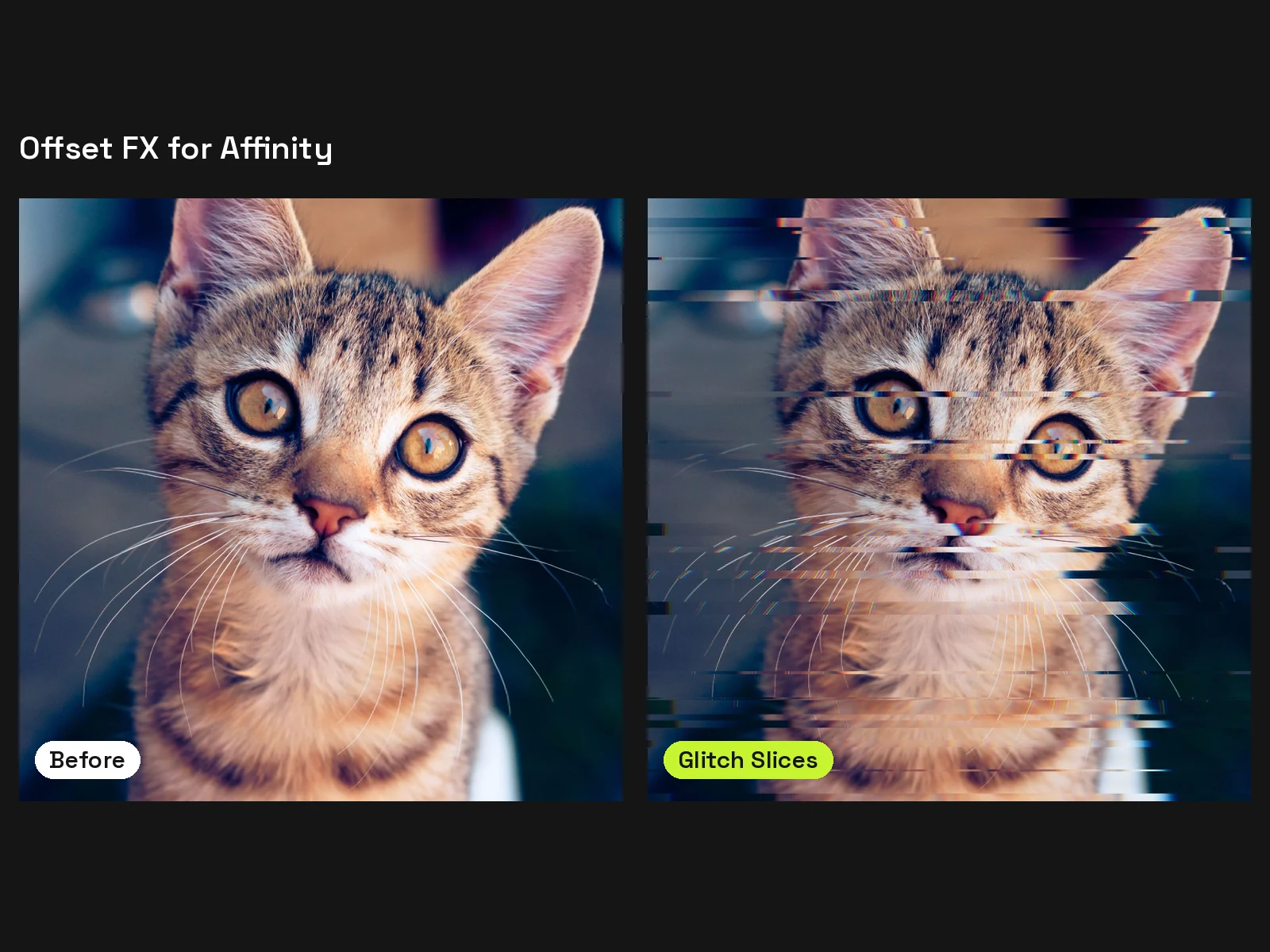
- Glitch Slices: shifted slices, colour split and scan lines. Hit Shuffle for a new variation.
- RGB Split: red/cyan, three-way RGB or magenta/green split at any angle.
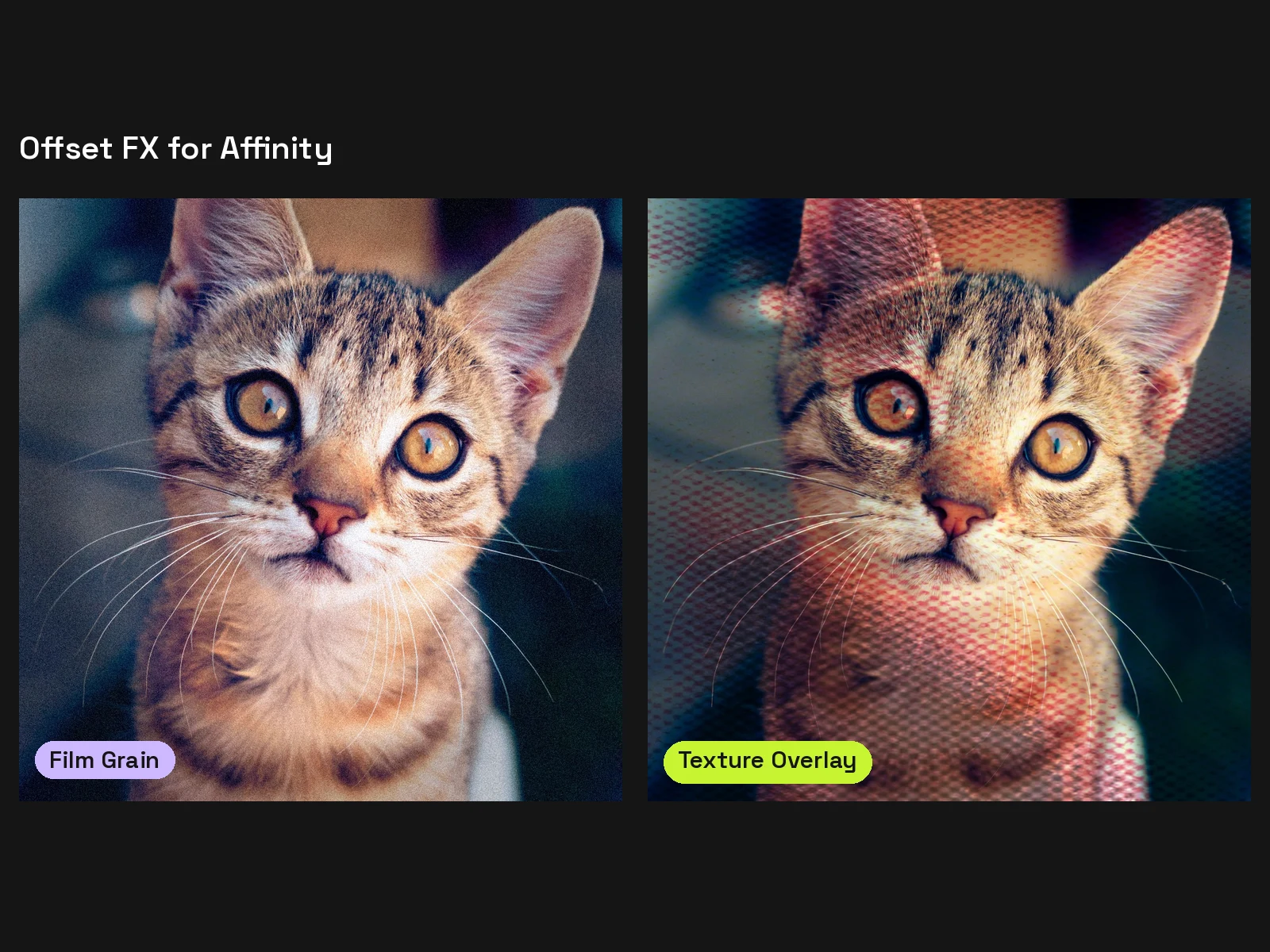
- Film Grain: live grain and vignette filters you can double-click and tweak later.
- Texture Overlay: pick any texture file and lay it over your layer with Multiply, Screen, Overlay and more, clipped to the layer. Made for the Shapeshifters texture packs.
Non-destructive
Pixel effects are added as a new layer above your photo. Halftone and Film Grain are added as live filters inside the layer. Hide, mask or delete them whenever you like.
Get the textures too
Pick Scripts + Texture Bundle to get all four texture packs with it for €25, instead of €29 when you buy them separately. They are the perfect input for Texture Overlay.
Install
- Download
Offset FX.afscriptsand import it from the Scripts panel in Affinity. - Select an image or pixel layer.
- Run any Offset FX script from the Scripts panel.
Kitten photo in the previews: nikiemmert on Pexels.
What's inside
7EffectsRiso Duotone, Halftone, Photocopy, Glitch Slices, RGB Split, Film Grain, Texture Overlay.
1Click to installOne .afscripts file. Import it once and all seven land in your Scripts panel.
0Destroyed originalsEvery effect adds a new layer or a live filter. Your photo stays as it was.
Specs
- Works with
- Affinity
- Works with
- Affinity by Canva 3.3 or later (Scripts panel)
- Files
- 1 .afscripts file with 7 scripts
- Works on
- Any image or pixel layer, any size. Pixel sizes adapt to the image.
- Speed
- About 1–2 seconds on a 24 MP photo
More from Offset
See all →
Join the Shapeshifters.
Get a free texture pack now, plus new drops and tutorials by email. Buyers get a role in our Discord.